
I proudly display a vast number of antique cameras on customized shelves (as noted elsewhere on this site). And despite their organization (I have paper tags on each camera that can be looked up via a spreadsheet and / or handy 3-ring binder) it can still be overwhelming to identify what you’re looking at.
Most visitors aren’t here to write a research paper. Rather, they tend to immerse themselves in the viewing and (sometimes) handling. Easy cues are the priority.
Enter the Glowforge (details elsewhere on this site). Today I created 60+ domino-shaped tags that sit on-edge to display the camera manufacturer. The tags are made from 1/4″ thick clear acrylic and have rounded corners for a finished look:
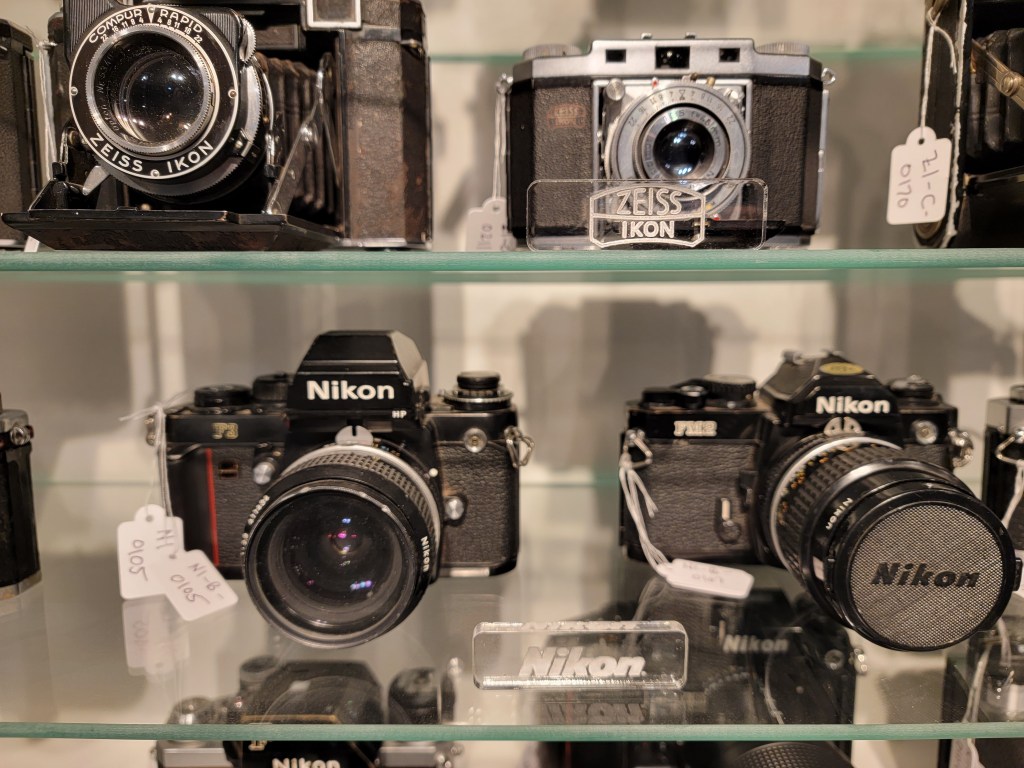
Camera Tags on Display
Finished tags display “Zeiss Ikon” and “Nikon” using the manufacturer’s logo and / or text style.
Creating the tags was simple, but it did include a few tricks:
- Find an image of the logo (Google Image Search, Camera Wiki Sites, Online Manuals, etc.).
- Capture the logo, either by downloading, creating a screenshot, etc.
- Save the image as a ‘png’ file. This format adds a huge boost to Glowforge performance.
- Use your favorite drawing program to create the rounded rectangle, paste + center your png logo within, and save the results as a ‘svg’ file for Glowforge consumption.
- Or you can create multiple tags at once and save to a single svg file, but be careful not to create too many at once or you may impact Glowforge performance.
- If you add text remember to convert it to paths (else it may be ignored by the Glowforge).
- Use the Glowforge app to load the svg file. Set resolutions and off you go (details on how to use the Glowforge are beyond the scope of this posting).
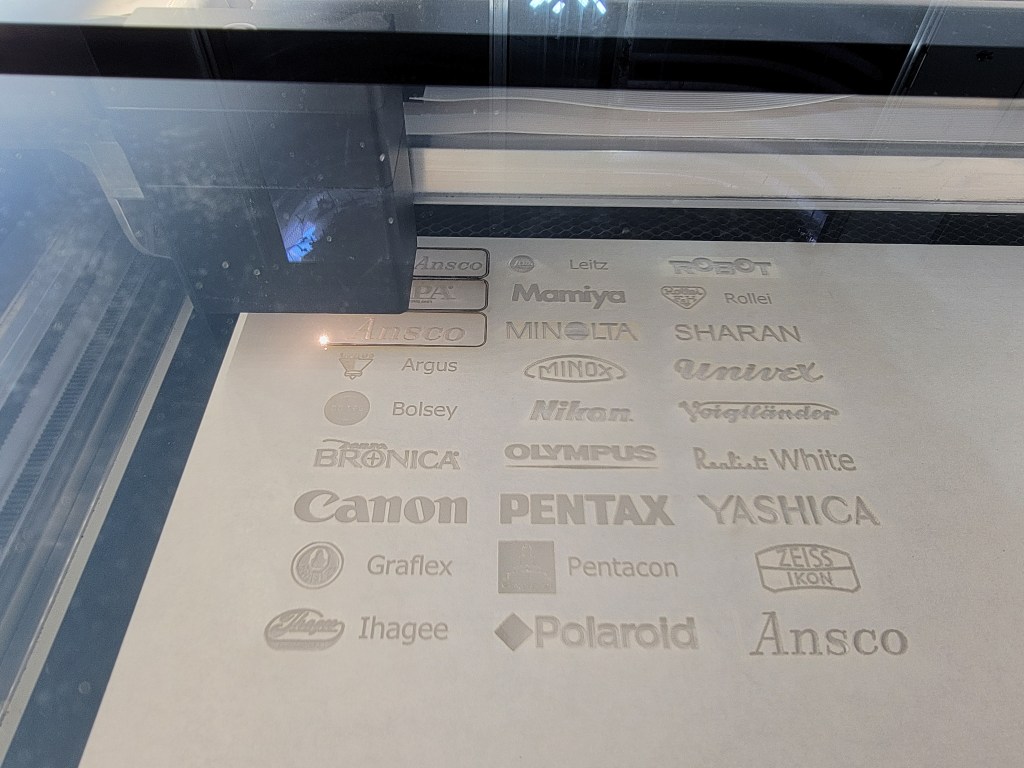
Cutting the Camera Tags
Logos and text have already been etched and the Glowforge is starting to cut each tag from the sheet of acrylic.
I created two videos on YouTube to show the Glowforge in action. Just be sure to LOWER YOUR VOLUME since the Glowforge is a loud beast 🙂
- Cutting the tags
- Finishing an Etch and Cutting
 WidgetWood